
Credentials
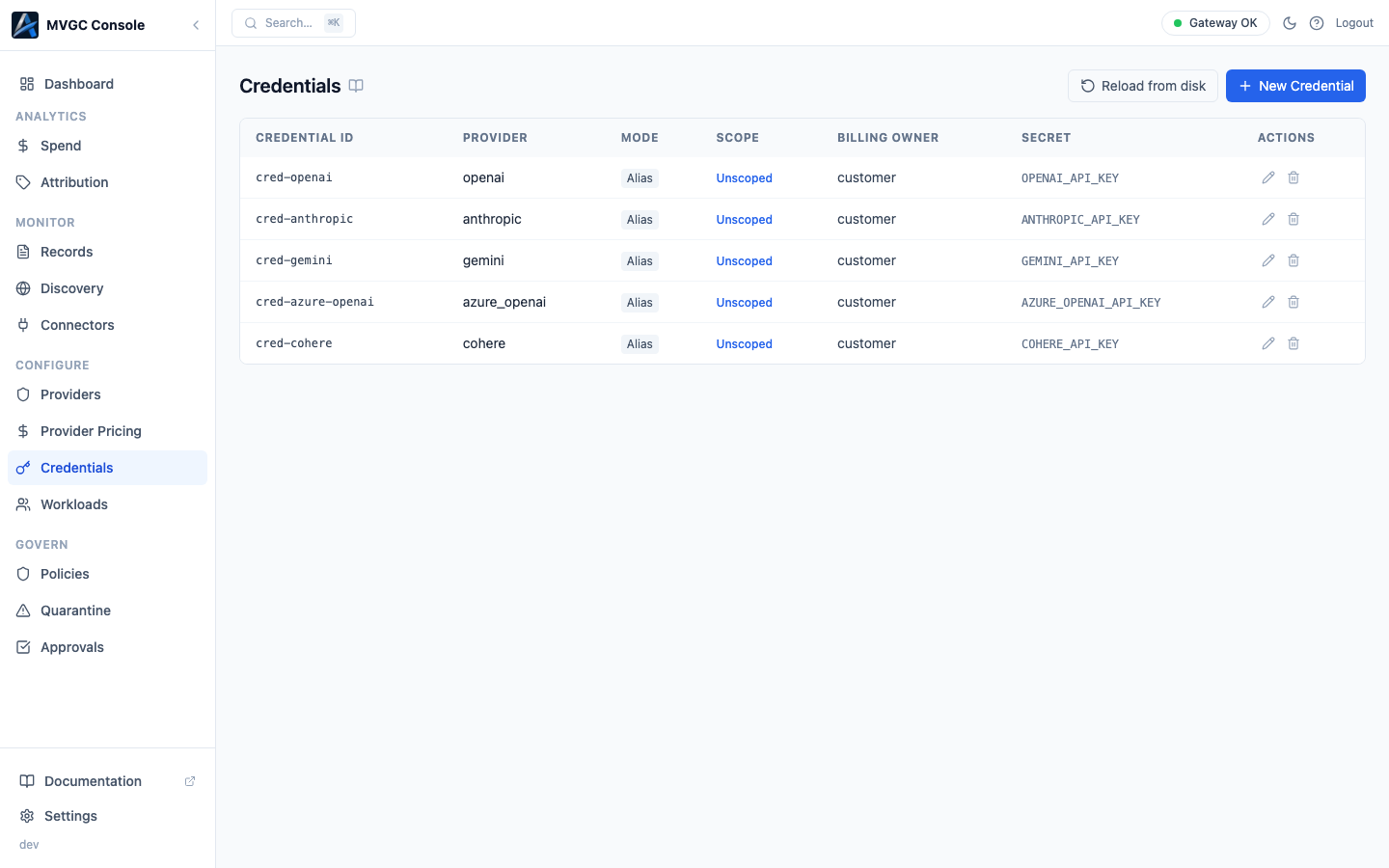
The Credentials page is where you store provider API keys inside the gateway. Applications never see the keys; they send requests to the gateway, and the gateway attaches the right key before forwarding to the provider.
Credential types
| Type | Description |
|---|---|
| BYOK (Bring Your Own Key) | Your API key is stored in the gateway's credential vault and injected into outbound requests. The most common type. |
| Alias | Points to another credential by name. Useful when multiple workloads share a key but you want to manage them separately. |
| Passthrough | The gateway forwards whatever API key the client sends. No key is stored. Use this when your application already manages keys and you just want proxy and policy features. |
Adding a credential
Click New Credential. Select a provider, choose the credential type, and enter the API key. Set the Scope to control which workloads can use this credential:
- All workloads: any workload may use this credential when making requests to the specified provider.
- Specific workloads: only the listed workload IDs can use this credential.
Click Save.
Reloading credentials
Changes take effect without restarting the gateway. After saving, click Reload on the Credentials page to push the updated credential set to the active gateway process.
Editing and deleting
Click a credential row to open its detail panel. Click Edit to change scope or update the key value. Click Delete to remove it. After any change, click Reload to apply.
Security note: Stored keys are encrypted at rest using the gateway's
GATEWAY_SECRET_KEY. Never store credentials directly in environment variables or config files that are checked into source control.
CP-connected mode
In CP-connected mode, the Credentials page is read-only. Credentials are managed in the Cloud Console at console.axemere.ai and synced to your gateway by the control plane. Reloading is automatic; no manual reload step is needed.