
Settings
The Settings page shows connection and version information for the console and gateway, and provides a file browser for inspecting configuration files on disk.
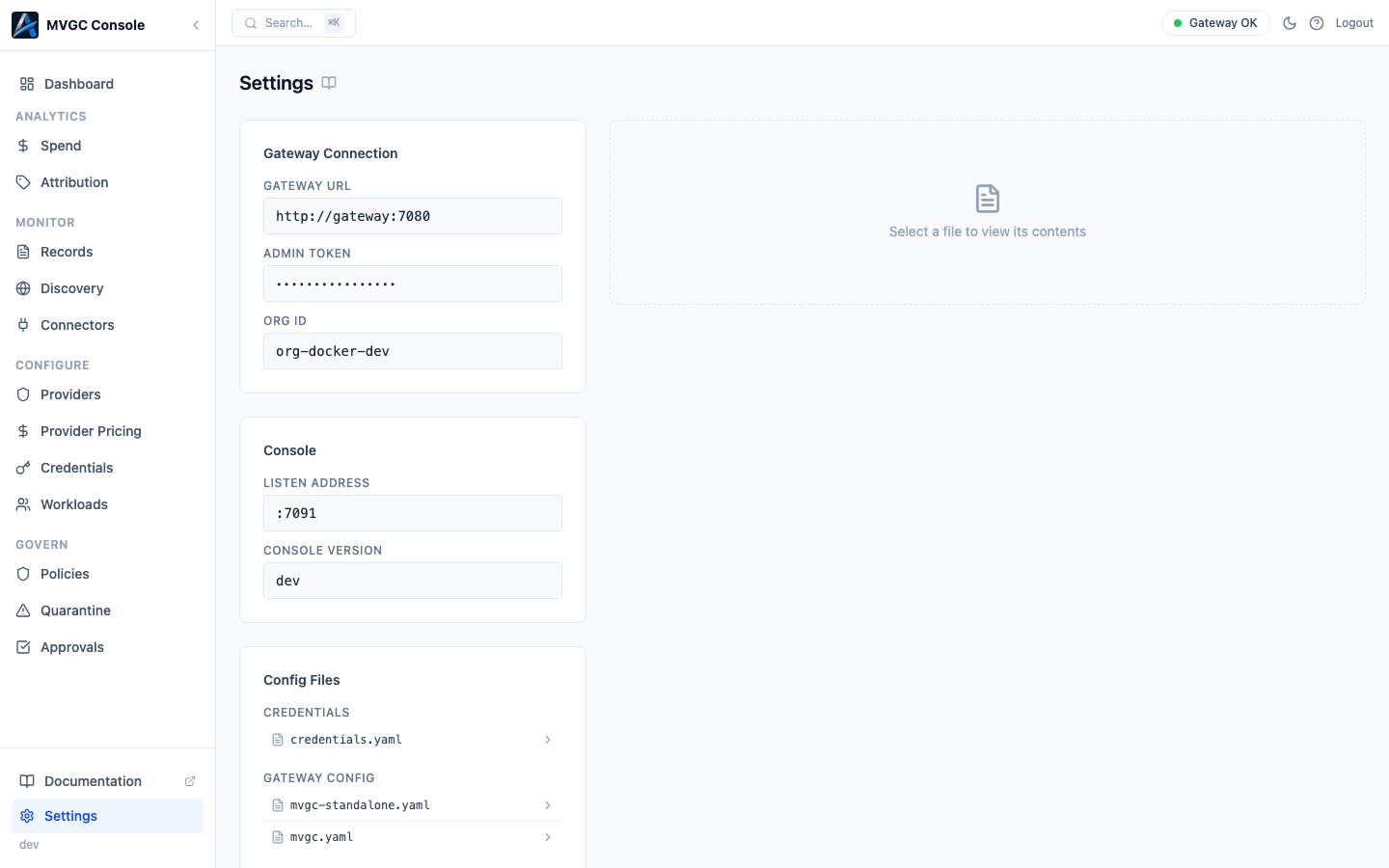
Gateway Connection
The Gateway Connection card shows:
- Gateway URL: the admin API URL the console is connected to
- Admin Token: shown masked; this is the token used to authenticate with the gateway admin API
- Org ID: the organization ID, if the gateway is CP-connected
Console
The Console card shows:
- Listen Address: the address and port the console is listening on (default
:7091) - Console Version: the version of the Local Console binary
Config Files
The Config Files card lists configuration files the console can read from disk, grouped by type:
| Type | Contents |
|---|---|
| Gateway Config | Main gateway configuration file |
| Workloads | Workload definition files |
| Credentials | Credential definition files |
| Policy Bundles | Policy bundle YAML files |
| Policy Rules | Individual policy rule files |
| Add-ons | Add-on configuration files |
| Other | Any other config files |
Click a file in the list to view its raw contents in the panel on the right. This is useful for verifying what is on disk before reloading.
The file browser requires the CONSOLE_CONFIG_DIR environment variable to be set to a directory path. If this variable is not set, the file list is empty.