
Provider Pricing
The Provider Pricing page manages the per-1M-token prices the gateway uses to calculate estimated spend. Prices are used for cost tracking in the Spend and Attribution pages, and for budget-based policy enforcement.
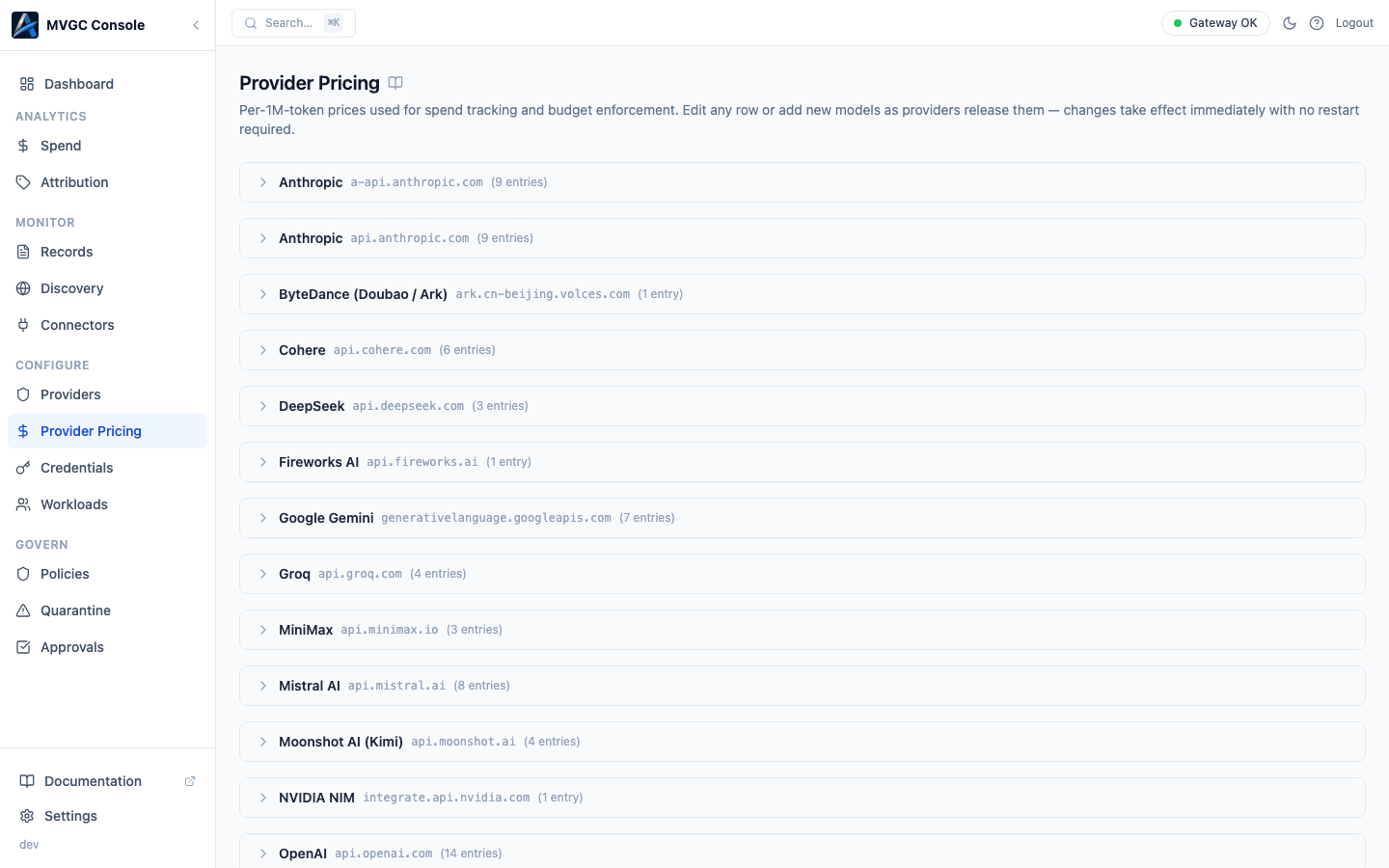
How pricing is organized
Prices are grouped by provider hostname. Each group is a collapsible section; click the provider name to expand or collapse it. The section header shows the display name, hostname, and the number of price entries.
Within an expanded provider section, the table shows:
| Column | Description |
|---|---|
| Model ID | The exact model identifier string. Rows with no model ID are the provider default, a fallback price applied when no model-specific entry matches. |
| Name | Human-readable display name |
| Input / 1M | Price per 1 million input tokens in USD |
| Output / 1M | Price per 1 million output tokens in USD |
| Source | Default = seeded by the gateway at startup; Custom = added or edited by an operator |
The gateway seeds default prices for built-in providers at startup. Custom entries you add override the defaults.
Editing a price
Hover over any row to reveal the Edit (pencil) icon. Click it to open the row in an inline editor where you can update the display name and input/output prices. Confirm with the checkmark or cancel with the X.
Adding a model
Expand a provider section and click + Add model in the section header. Fill in the model ID, display name, and prices, then confirm. Model IDs must match exactly what the provider returns in API responses.
Deleting a price
Hover over a model-specific row to reveal the Delete (trash) icon. Provider default rows cannot be deleted; edit them instead.
Changes take effect immediately with no gateway restart required.
CP-connected mode
In CP-connected mode the page is read-only. Provider pricing for CP-connected gateways is managed in the Axemere Cloud Console.