
Policies
The Policies page shows the active policy bundle for your gateway. In standalone mode you can edit it directly in the console. In CP-connected mode the policy is managed by the control plane and the page is read-only.
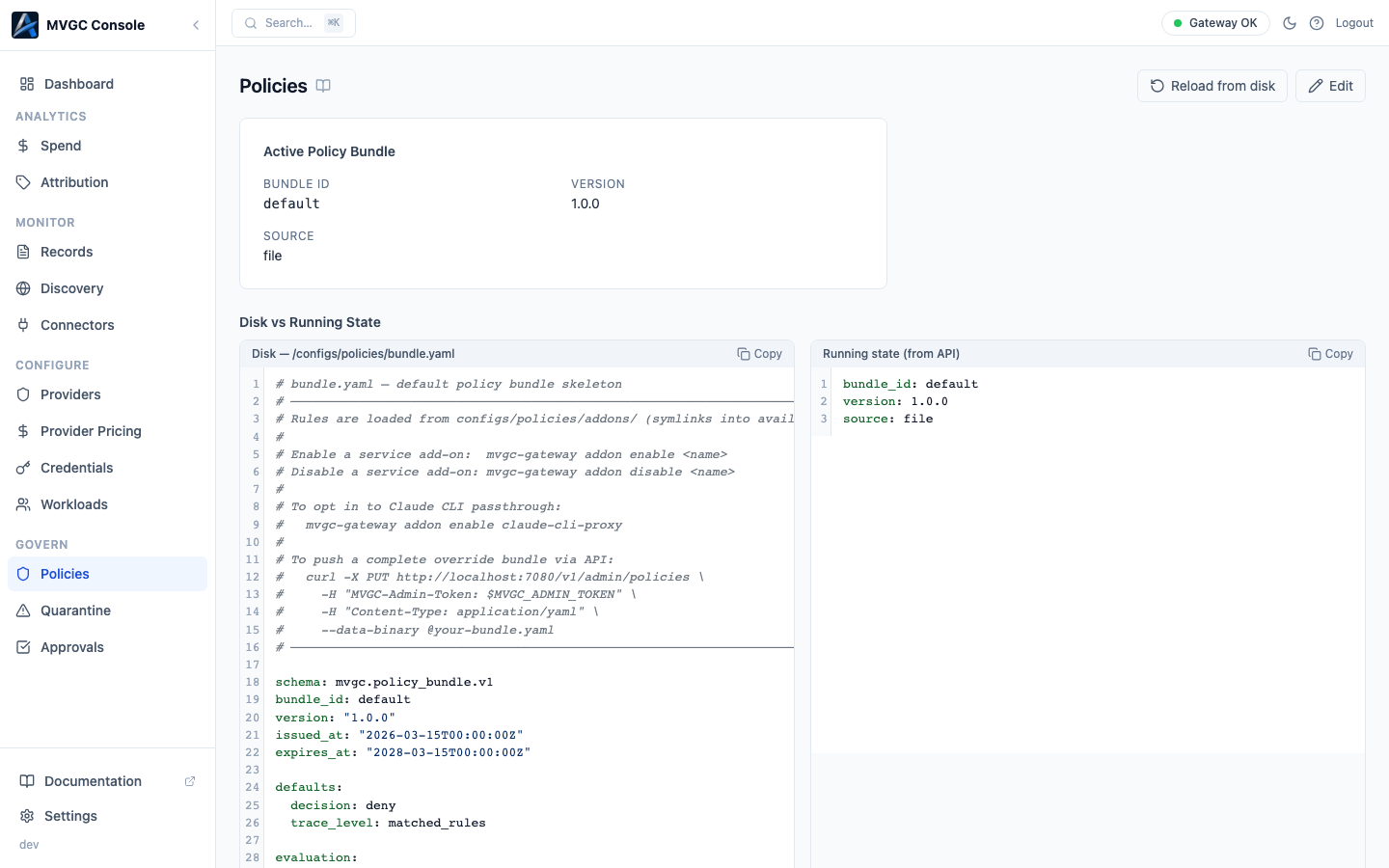
Active Policy Bundle
The top section shows metadata about the currently running policy:
| Field | Description |
|---|---|
| Bundle ID | Unique identifier for this policy bundle |
| Version | Policy version string |
| Source | Where the bundle was loaded from |
| Loaded At | When the gateway last loaded this bundle |
Disk vs running state
Below the metadata, two panels show the on-disk bundle file and the running state side-by-side. If the disk file has been edited since the last reload, a warning banner appears:
Disk state differs from running state. Reload to apply.
Reloading from disk
Click Reload from disk to reload the policy bundle from the file system without restarting the gateway. The running state updates immediately and the stale warning clears.
Editing the policy (standalone mode only)
Click Edit to open the policy file in an inline YAML editor. When you are done, click Save & Apply; the file is written to disk and the gateway reloads the bundle immediately. No restart required.
In CP-connected mode the editing controls are not available. Policy changes for CP-connected gateways are made in the Axemere Cloud Console and pushed to the gateway automatically.
What a policy controls
A policy bundle is a YAML file that tells the gateway what to allow, deny, hold, or quarantine as requests pass through. Rules can match on workload, provider, model, action type, token count, cost thresholds, and more. For the full rule syntax see the Policy DSL guide.
A minimal policy that allows everything:
rules: []
A policy that denies requests to a specific model:
rules:
  - action: deny
    match:
      model: gpt-4o
    reason: "GPT-4o is not approved for this environment"